Imagine that you are about to buy a character illustration. At first glance it looks polished: the armor has dramatic highlights, every strand of hair is rendered, and the background feels cinematic. The useful question is not “How detailed is it?” but “Do those details remain consistent within the same scene?” Does an earring vanish when it passes behind the hair? Do the fingers actually wrap around the sword handle, or merely sit on top of it? Does the engraved pattern on the shoulder armor continue when the form turns away? One rough area may be an ordinary mistake. Several unrelated structural breaks are a reason to investigate further.
2. Examine Artistic Details in AI-Generated Illustrations
Start with details that need to keep the same identity. The two earrings should belong to the same design, uniform buttons should follow a deliberate spacing system, and architectural columns should continue to a plausible location after an obstruction. Generated art can contain attractive local texture while losing the rule that connects one area to another. A necklace may emerge from behind the neck without forming a closed chain. A row of windows may change shape and count as it moves across a building. A book title may contain letter-like strokes that never form readable words.
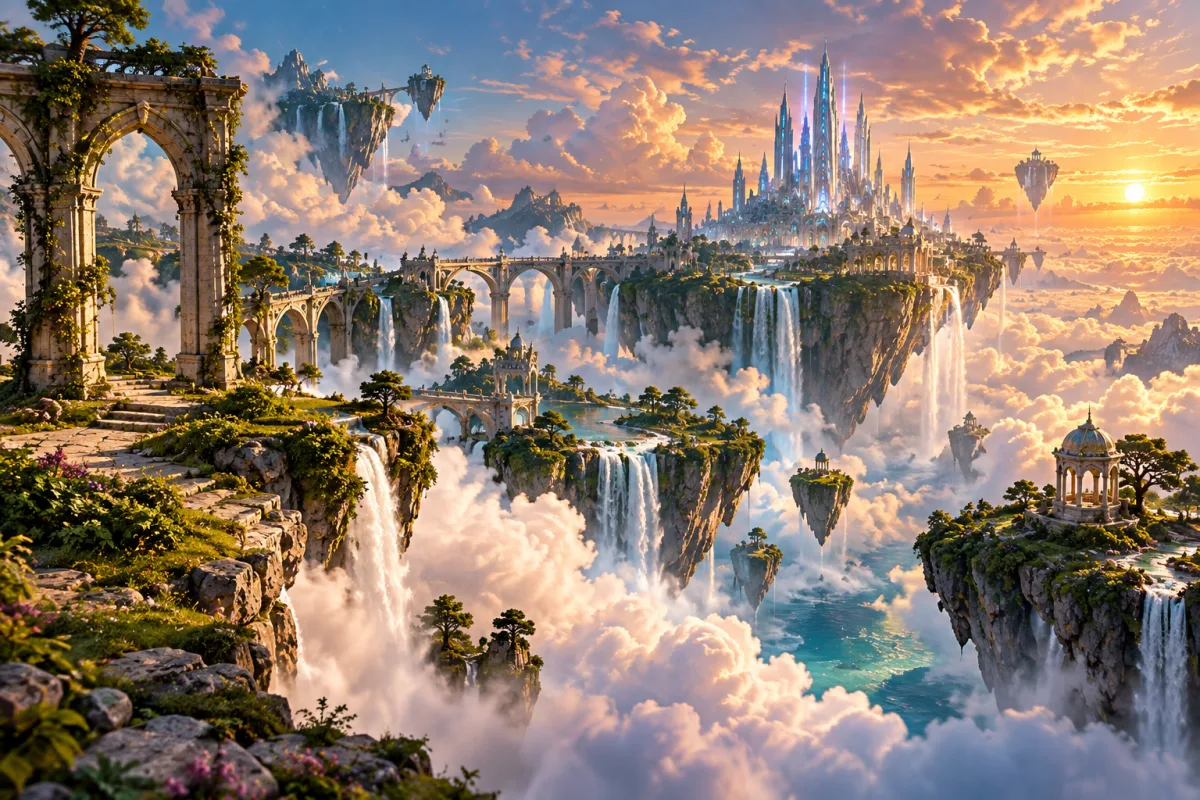
Next, inspect relationships between objects. Focus on the contact point between fingers and a prop, whether feet appear to carry weight, how a belt compresses fabric folds, and whether foreground edges correctly cover the background. If a character holds a clear glass, for example, the fingers should be plausibly occluded or refracted by the glass. A rim that passes through the palm, combined with a thumb that has no grip position, is more than an unusual style choice. Likewise, a floating castle is not evidence of AI; a bridge that turns into tree roots where it meets a wall, or a tower whose reflected windows have a completely different layout, is an internal contradiction.
Finally, look for areas with high detail but little design intent: tiny objects that serve no compositional purpose, ornaments that multiply without a repeatable pattern, or crisp marks on the subject that dissolve into the same curled texture throughout the background. None of these proves AI by itself. Concept art, matte painting, and speed painting can also simplify distant areas. The combination matters: unreadable lettering, broken structure, repeated texture, and an unclear source together are much more significant than any single clue.

3. Check the Artist's Portfolio and Creation Process
The final appearance often cannot separate the two. Human artists may use photo-bashing, 3D models, symmetry tools, texture brushes, and automatic coloring. An AI output can be repainted for hours until it has clean line work and convincing hands. The strongest distinction is therefore often found in the process rather than the finished style.
| Evidence | What a human workflow may show | What you should verify |
|---|---|---|
| Progress stages | Explainable changes from composition sketch to line work, flat colors, lighting, and polish. | Whether the stages are continuous rather than filtered versions of one final image. |
| Revisions | Specific layers, shapes, or colors changed in response to a brief. | Whether the revisions answer your specific feedback. |
| Project file | Layers, masks, selections, and strokes that reflect plausible working decisions. | Do not count layers; check whether their contents are editable and coherent. |
| Portfolio history | Older work, studies, and recent pieces show an understandable development of skill and subject matter. | Whether dates, style changes, and process posts tell a consistent story. |
If you are commissioning work, do not stop at “Do you have layers?” Request one small change tied to your brief—for example, change a cuff from gold to silver while preserving its worn edge—and check whether the new area remains consistent with the lighting, material, and structure from the previous version. This is more informative than a generic software screenshot because the evidence is tied to your actual request.
4. Look for Sketches, Layers, and Work-in-Progress Evidence
For line art, follow one line all the way through. See whether a jawline splits for no reason when it enters the hair, whether a sleeve contour turns into an extra finger at the wrist, or whether a chair leg reappears in an impossible location after being hidden by the figure. At an intersection, an artist normally decides which form is in front. Generated line art is more likely to leave fused contours, doubled edges, or short marks with no structural job around complicated overlaps.
Then inspect repeated elements. Buttons, shoelace holes, eyelash groups, and machine parts do not have to be identical, but they should follow one design rule. If the left cuff has three square fasteners while the right becomes five round dots without a perspective or character-design reason, keep checking. In a painted piece, follow the brush direction around the form and see whether the same material receives comparable edge treatment and texture in different locations.
When you use a tool, choose the full artwork rather than a social-media thumbnail. Upload it to the IsThatAI detector, read the AI versus Not AI classification and confidence, and ask one specific question: does this result agree with the structural and source evidence you already found? If a detector reports a strong AI signal but you have continuous progress stages, editable layers, and a credible publishing timeline, that conflict is a reason not to jump to a verdict.
5. Can AI Art Detectors Identify AI-Generated Drawings?
Yes. A detector analyzes the file you upload; it does not witness the creation process. Low-resolution screenshots, repeated compression, sharpening, denoising, upscaling, and color filters can all change pixel-level signals. Human-made 3D renders, smooth vector illustrations, and heavily retouched paintings may look more synthetic to a model. Conversely, generated art that has been painted over, resized, and compressed may lose signals the detector would otherwise use.
Do not translate an 82% score into “there is an 82% chance the artist is lying.” The number describes the model’s assessment of file features; it does not identify the author, quantify how much of the work was generated, or establish licensing rights. Use the score to decide where more verification is needed, and use source and process evidence to support the final decision. For purchases, contest eligibility, plagiarism disputes, or commercial licensing, preserve the original file, page link, messages, and version files, then apply the written platform or contract rules.
When the evidence conflicts, “insufficient evidence” or “mixed workflow” is often more accurate than accusing the creator for the sake of a clean answer. A specific, reviewable statement is also more useful: “The right-hand grip and chest pattern contain structural breaks, no progress work was provided, and the detector returned a strong AI signal.” That gives someone else far more to verify than “This looks AI.”
6. AI-Assisted Art vs. Fully AI-Generated Art
Do not force every piece into “fully hand-made” or “fully AI.” Human sketches, photo-bashing, 3D models, automatic coloring, and generative fill can all appear in one workflow. For commissions, contests, or commercial licensing, clarify which areas used generative tools, whether the artist disclosed that use, and whether the relevant rules or contract allow it.
Frequently Asked Questions
Can you tell AI art by looking only at the hands?+
No. Extra fingers, broken grips, and impossible joints are worth checking, but human artists also simplify, exaggerate, or make mistakes. A hand problem becomes more meaningful when it appears alongside garbled text, broken structure, an unclear source, and other independent clues.
Does a signature prove that art was made by a human?+
No. An image model can create a signature-like mark, and a real name can be added after generation. Compare the lettering with the artist’s other work and look for sketches, revision history, an original project file, or a traceable publication history.
Does a PSD or Procreate file prove that the art is not AI-generated?+
It is useful evidence, but not absolute proof. Someone can import a generated image and paint over it in layers, while a human artist may only keep a flattened file. Coherent layers, revisions, progress images, and changes tied to a specific brief are more informative than the file extension alone.
Can an AI art detector check drawings and digital illustrations?+
It can provide a useful signal, but line art, low-resolution screenshots, heavily stylized work, and extensively edited files can be harder to classify. Upload the full, least-compressed version and combine the result with visual and process evidence.
What if an artist used generative fill on only one part of the work?+
Treat it as a mixed workflow instead of forcing it into “fully AI” or “fully hand-made.” For commissions, contests, and licensing, ask what was generated, whether that use was disclosed, and whether the relevant rules or contract allow it.
Checking an illustration or drawing?
Upload the closest available version of the original, review the detection signal, and then finish the assessment with the structural and process checks in this guide.
Check an artwork