When a portrait, product photo, or social post looks unusually convincing, the useful question is not “Can I spot AI instantly?” It is “Do I have enough evidence to treat this image as trustworthy?” The steps below work for news images, marketplace listings, profile pictures, advertising assets, and pictures sent to you in a message.
1. Start with the parts image models often get wrong
Zoom to roughly 200% and begin with four areas: hands and fingers, facial features, clothing and accessories, and text in the background. Look for fingers that merge or bend oddly, eyes or earrings that do not match, glasses arms that disappear into hair, and patterns that melt at the edge of a garment. Signs, packaging, book pages, and license plates deserve special attention: AI-generated text may contain letter-like strokes without forming readable words.
Then follow the light. Highlights on a face, a cast shadow on the ground, a window reflection, and a reflection in water should support the same light source. If the sun appears on the right while a face and a building show strong light from the left, that is not proof of AI, but it is a good reason to continue checking.
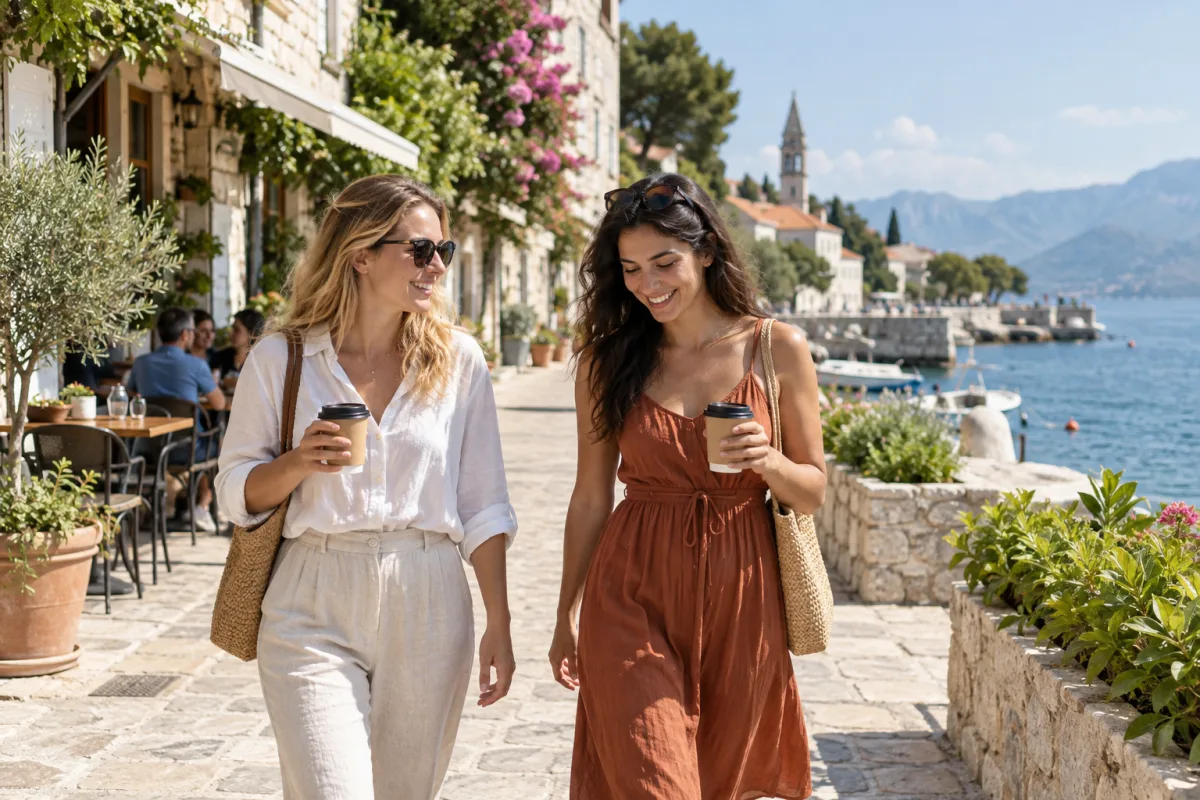

2. Check the source, date, and original file
Open the original post instead of judging a forwarded screenshot. Check who published it, whether the account has a consistent history, when the image first appeared, and whether the caption names a specific place or event. A breaking-news photo, product listing, or claim about a real person deserves extra caution when it comes from one anonymous account. Reverse image search can reveal an older event, a cropped version, or an original caption that changes the meaning.
If you can obtain the original download, inspect its file information. EXIF data may include a camera model, capture time, or GPS coordinates, but social platforms often strip it during upload. Missing EXIF therefore does not mean an image is AI-generated. A verifiable Content Credentials or C2PA record can add useful creation and edit history, but it is still evidence about provenance—not an absolute guarantee that every claim in the picture is true.
3. Use an AI image detector as a second check
When visual clues and source context still leave you unsure, run the image through an AI image detector. Use the original file instead of a chat screenshot when possible. Avoid re-saving, cropping, or applying a filter first, because those changes can remove or add signals that the model uses. A detector such as the AI image detector on IsThatAI returns a classification, confidence score, and explanation so you can see whether the result is likely AI-generated, likely real, or uncertain.
Treat the score as the model’s assessment of this file, not as courtroom proof. A low score cannot prove that the picture is real. A high score does not tell you who made it, when it was made, or whether the event depicted actually happened. If the result is uncertain, keep that label. Returning to the source, original file, and publishing context is more responsible than forcing a yes-or-no answer.
4. Know when a result is easy to misread
Screenshots, repeated compression, low-resolution files, and posters covered in text are difficult cases. A real photograph can also pick up AI-like signals after beauty filters, sharpening, face replacement, or generative fill. Newer image models may produce a picture without an obvious hand error. Profile pictures, product hero images, and reposted social content are especially worth separating into two questions: what does the image look like, and what claim is someone making with it?
If the image could affect a payment, someone’s identity, a news story, or a safety decision, save the original link, downloaded file, and the checks you performed. For high-stakes situations, find an independent source or ask the publisher for the original. A neat percentage from one detector is not a reason to skip those steps.
The final test: do the signals agree?
When visual anomalies, an unclear source, missing file information, and a detector result all point in the same direction, mark the image as highly suspicious and say that verification is still needed when you share it. When the visual details, traceable source, original file, and detector result support one another, you can use the image with more confidence—but do not turn a detection result into an absolute claim. The reliable answer usually comes from several independent signals pointing the same way.
Three questions people ask about AI images
Does a bad-looking hand prove an image is AI-generated?+
No. A hand anomaly is a useful clue, but it can also come from low resolution, motion blur, or ordinary editing. Combine it with source, file, and detector evidence.
Does missing EXIF mean an image was made by AI?+
No. Social platforms and screenshots commonly remove EXIF. Missing metadata only means you do not have the full file history.
Can a detector percentage be used as proof?+
No. It is a confidence signal for the file, not proof of provenance. High-stakes decisions need independent sources and the original file.
Have an image you are not sure about?
Upload the closest version of the original, read the classification and explanation, then combine it with the source checks in this guide.
Check an image